
By the end you have, for each photo from a job, a file name that says what's shown and alt text that describes it, with what's missing marked. Or you have checked what you already had in place.
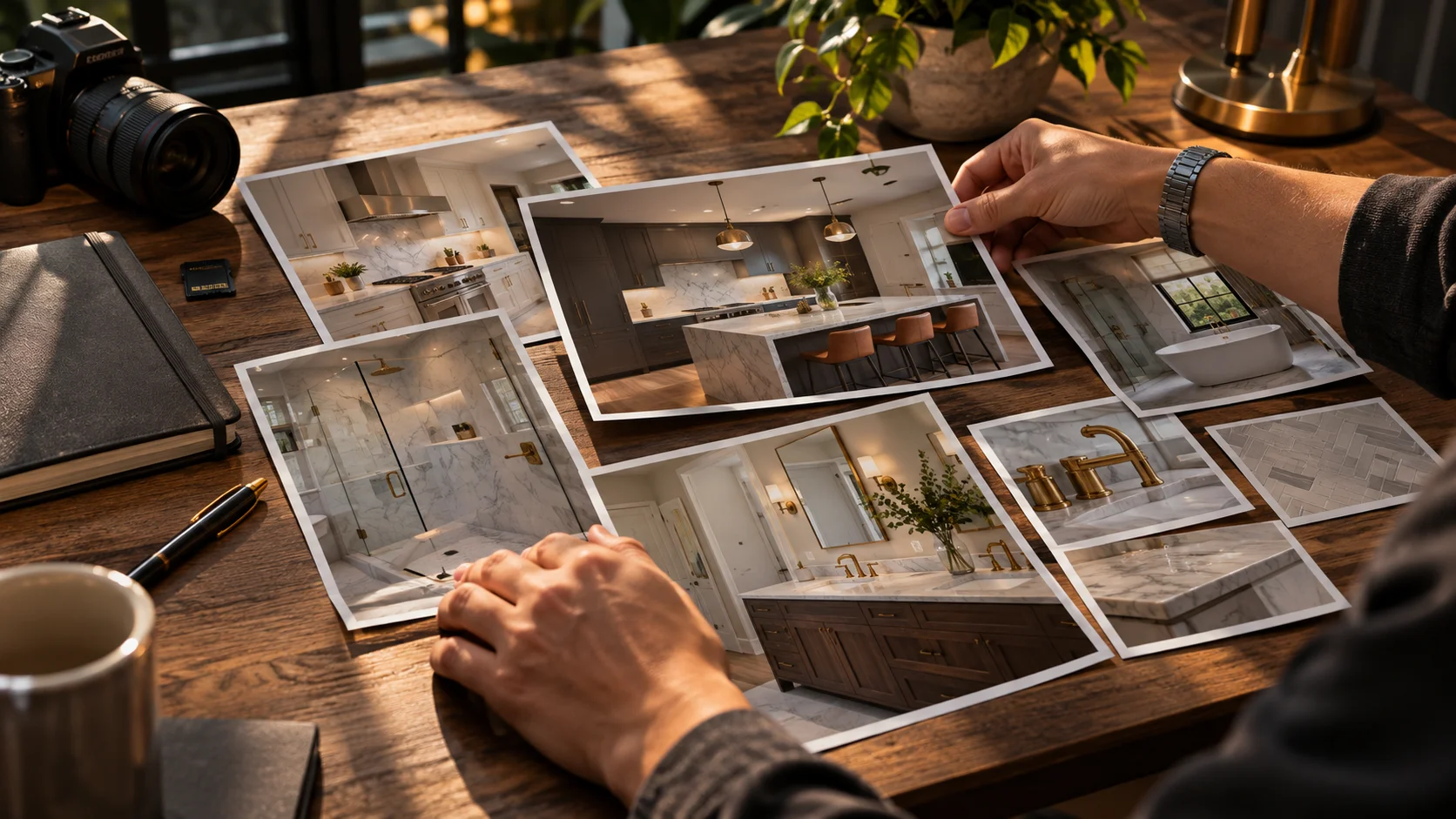
This morning's blog covered what AI can change in a job photo and what real material only you can show. It also pointed to a Google guide on images: sharp photos, alt text that describes what's shown, and file names that mean something instead of a camera code.
Understanding that takes a minute. Doing it for, say, forty photos of one kitchen is another matter. Picture asking an assistant to "write alt text for this" and getting back "beautiful luxury kitchen in Fort Lauderdale" for a kitchen you never said was luxury.
These two prompts do the job without making things up. Neither one looks at the photo or searches anything: they work only with what you write about each one, and what you don't give them stays in brackets.
What to have ready
- Any AI chat assistant. It doesn't need web search or to see the photos.
- For prompt 1: the finished photos from one job and, for each, a line you write: which part of the job it shows, which materials, where it was shot from and what's in the foreground.
- For prompt 2: the file name and alt text your photos have today, next to what each one actually shows.
Prompt 1 - From description to file name and alt text
Below are the finished photos from one remodeling job, described in my own words. Use only what I write here. Don't invent materials, brands, colors, measurements, counts, places or people's names: anything I didn't tell you, leave in [brackets]. Don't fill gaps with what you know about any product or brand.

- Type of job: [kitchen, bathroom, flooring, paint or other]
- City or area, only if I want it to appear: [city, or leave blank]
- Language for the text: [English or Spanish]
- One photo per line, like this: photo number · what it shows, in my words (which part of the job, which materials, where it was shot from, what's in the foreground) · whether a person is in it (yes or no):
[one line per photo]

Give me a table with one row per photo and these columns:
1. File name: short, lowercase, with words that say what the photo shows, joined by hyphens, no spaces or accents, ending in .jpg. No camera numbers like IMG_0023. If my description isn't enough (see column 3), write [description missing] instead of making up a name.
2. Alt text: one sentence describing what's in that photo, in the context of the job. Describe, don't sell: no "beautiful," "luxury" or "best." Don't stuff it with keywords and if I gave you a city, use it in one photo at most. If my description isn't enough, write [description missing].
3. What's missing: what you'd need to know to describe it better, in [brackets]. If my description is too short to write alt text from, say so here and don't make it up.

After the table, three lines at most:
- Any photos whose file names are so alike they'd collide.
- If a person is in any photo: that I need written permission before publishing it. Don't put their name in the alt text unless I gave it to you.
What it's for: turns your lines into a table with each photo's file name and alt text, and tells you what each description lacks. If a line is too short to work from, the prompt leaves [description missing] instead of inventing.
Why the prompt forbids filling gaps with what the tool knows: if you write "gray cabinets," an assistant may add "oak" or "maple" because it sounds like a kitchen. The alt text would describe a material your job doesn't have. A bracket is cheaper than a wrong material.
The hyphens, lowercase and .jpg are our convention. The Google guide we read asks for short, descriptive names; we haven't seen it ask for that exact format.
Prompt 2 - What's missing from what you already have
I'm going to paste the file name and alt text my job photos have today, next to what each photo actually shows, according to me. Check them using only what I write. Don't fill gaps with what you know about any product or brand.

For each photo, tell me:
1. File name: "generic" if it's a camera code or doesn't say what's shown; "descriptive" if it does; or "partial," and what it lacks. If it's long or repeats words, say so.
2. Alt text: does it describe what's shown? Does it say anything my description doesn't confirm (quote it)? Does it repeat keywords or the city? Does it use sales adjectives like "best" or "luxury"?
3. A corrected version of both, with anything I don't know in [brackets]. Add nothing that isn't in my description.

When you're done, one line: which photo to fix first.

The photos, one block each:
[number · current file name · current alt text · what it actually shows]
What it's for: tells you, photo by photo, whether the file name is generic, descriptive or partial, and whether the alt text says something your description doesn't confirm, repeats words or sells. And it hands back a corrected version with the gaps in plain view.
What it doesn't do: it doesn't look at the photo or check that your description is true. If you write what's shown wrong, it checks against that.
Tested on invented data
We tested the texts on November 3, 2026 in a Claude model, with invented data, no tools and no search. The company, the job and the tile setter don't exist. What's in the quote blocks comes from what the tool returned; we shortened long tables and didn't change the words.
Prompt 1. An invented bathroom in Fort Lauderdale with five photos. The first: "The finished bathroom from the doorway: walk-in shower with a glass door and gray wall tile, vanity on the left." The fourth had "Marcos" laying the last row of floor tile, and the fifth said only "A bathroom pic." It returned the table. The row for photo 1:
bathroom-doorway-view-walk-in-shower-gray-tile.jpg - Finished bathroom in Fort Lauderdale seen from the doorway, with a walk-in shower with a glass door and gray wall tile, and the vanity on the left.
Photo 5 came back with "[description missing]" in both the file name and the alt text, and it said why:
Description too short to write alt text from.
About the person:
Photo 4 shows a person: you need written permission before publishing it. I left Marcos's name out of the alt text.
The city showed up in one photo only.
Prompt 2. Three invented photos. The first had the file "IMG_2208.JPG" and the alt text "bathroom." The second had a name and alt text stuffed with "bathroom remodel," "Fort Lauderdale," "best" and "luxury." The third had the alt text "Marcos installs marble floor tile," when the description said gray floor tile. On the third it said:
"marble" isn't confirmed. Your description says gray floor tile and never names the material.
On the second it flagged the sales adjectives and the repeated words, and returned bathroom-vanity-two-sinks-brass-faucets.jpg. It closed with: "Fix first: photo 2. It has an unconfirmed city, 'best' and 'luxury' claims, heavy keyword repetition, and says nothing about what's actually in the photo."
The Spanish test, with an invented kitchen, gave the same result: it flagged "de mármol" as unconfirmed and wrote "[falta descripción]" for the photo with a five-word description.
Where it falls short
What you do now
Pick the last job you finished. Write one line per photo, about what's really shown, and run prompt 1. If you've already put photos on your site, run prompt 2 with what they have today.
Keep reading
- Your job photos: what AI can invent and what only you can show - this morning's blog, on what real material only you can show
- AI can paint the background. The product has to be yours - Wednesday's article, on asking for an image without changing your product
- Google Search Central: image SEO best practices - the original guide