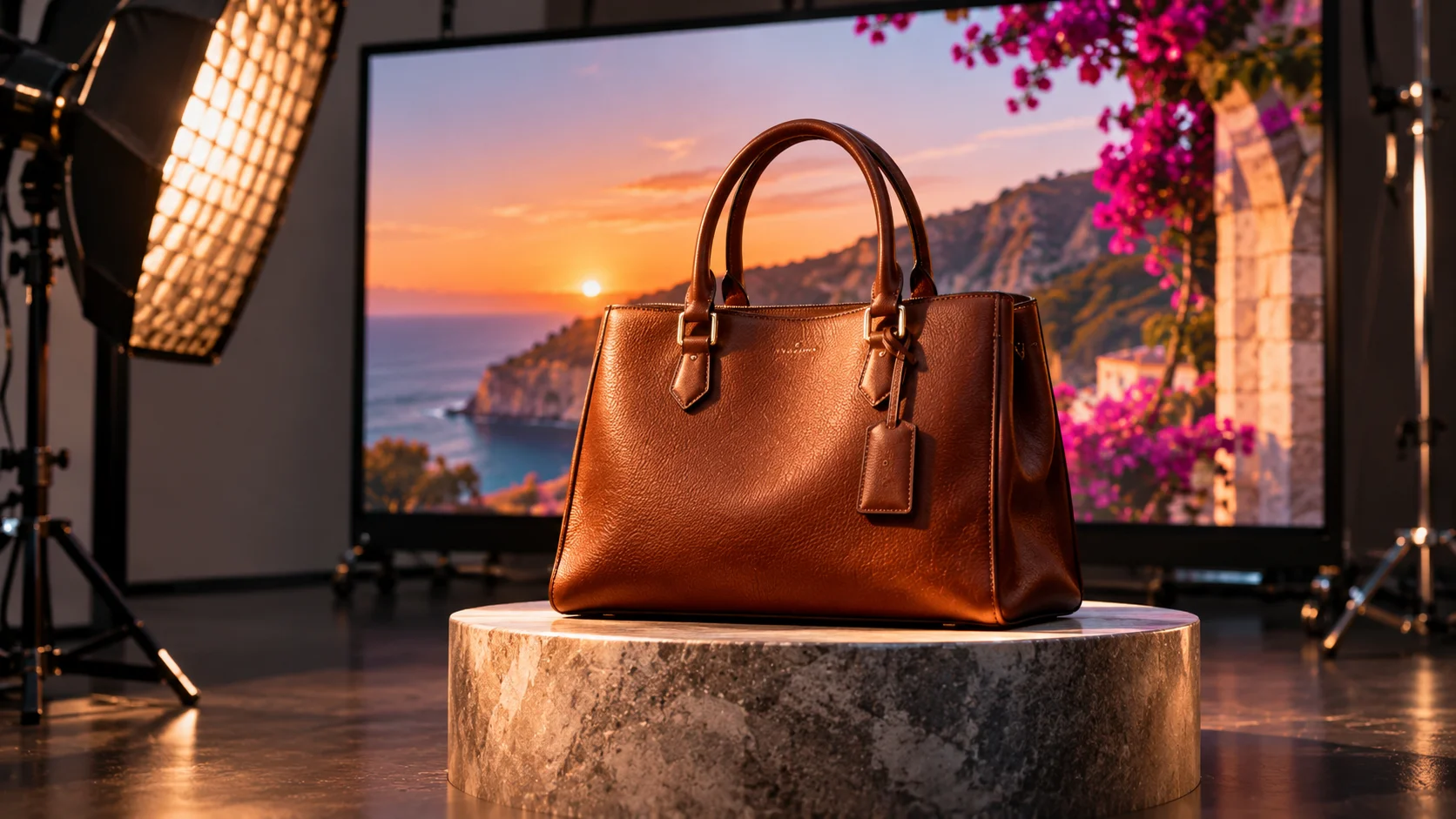
Give the AI something real and forbid it to invent. Three things don't get generated: the real photo of your product or your work, the real faces on your crew, and the real process behind how it's done.
What gets cheaper, and what doesn't
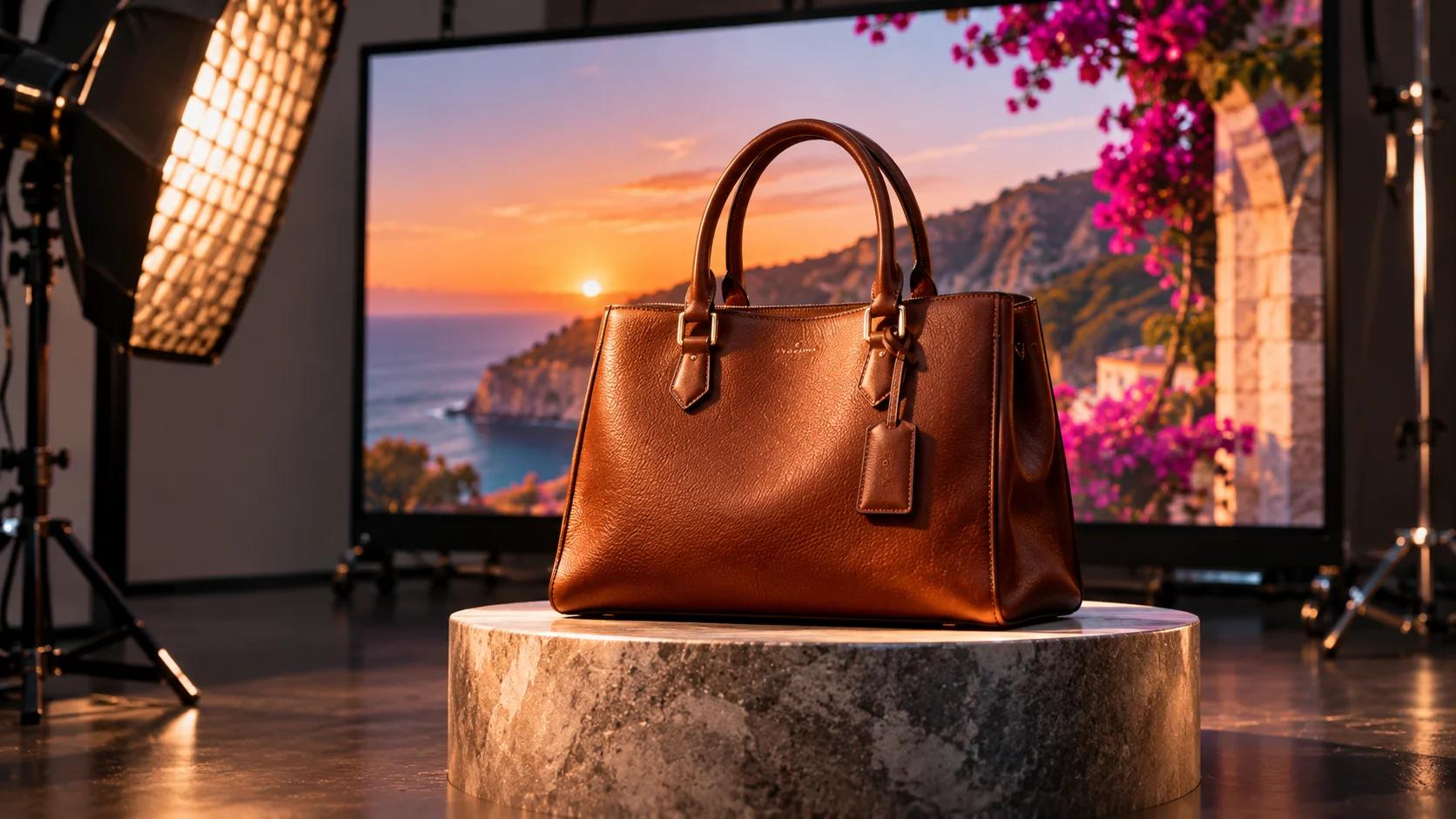
Image tools do one thing fast that used to take a studio: change the setting. New background, different light, a holiday scene.
What didn't get cheaper is everything that existed before you opened the tool. Your product. The face of whoever greets customers at your counter. The way your shop does the job. None of that comes out of a prompt, because a prompt only describes, and a description isn't the original.
The whole piece in one line: AI paints the background; the product has to be yours.
Imagine you ask an AI for a photo of your boat at the marina at sunset. The sky is gorgeous. The boat has grown a second mast and the name on the transom is spelled like someone sneezed on a keyboard. The background nailed it. The thing you sell got invented. Everything below is about that gap.
Three things that don't get generated: product, crew, process
Three things go in real. Each has its own rule.
The product or the work: the real photo
If you sell boats, hardware or engine repair, the real photo of the boat, the part or the finished job is the material. A description doesn't replace it, a sketch doesn't, and "something similar" really doesn't. The rule: the AI gets your photo, not your summary.
The crew: the real face
The faces of the people who work with you don't get generated. An invented person on your "About" page is a coworker who never shows up for a shift. If real people appear, get written permission from each one.
The process: how it's really done
Showing how a job gets done (the hull being sanded, the part being measured, the sea trial) is what convinces someone on the fence. A generated process is a re-enactment of your job by actors who've never held a sander. If you have no process photos, it gets marked pending.
One more note on real material. If you work in two languages, captions, spec sheets and descriptions get written natively in each one. A caption translated word for word is filler in a different outfit.
The three-line rule for any AI image
Line one: your real photo is the only reference. The AI doesn't receive a description of the product. It receives the product. You upload the photo of the boat. You don't type "a long-hulled white sailboat."
Line two: AI changes the setting, never the product. Background, light and scene, yes. Shape, color, logo, text and number of objects, no. If the original photo has one boat, the final image has one boat.
Line three: someone checks the logo and the text, letter by letter, before it goes live. One person, original beside them. A company name with a warped letter is something a customer will spot before you do.
Here it is as a message you can paste into the tool:
Use this photo as the only reference. Change only the background and the light. Do not alter the shape, color, logo, text or number of objects. If you can't do that without changing the product, tell me instead of making something up.
That last sentence does the heavy lifting. Give the tool permission to say it can't.
Before you ask for anything, sort out what material you have and what you're missing. That's what the real materials checklist is for, and the guide to giving an AI your material without it changing it walks through each line with examples. Both arrive with the word at the end.
A luxury house shows the hand
Prada's Holiday 2026 campaign, "Drawing Prada" (subtitle "Animated by Hand"), describes the campaign as photography fused with illustrated environments, entirely executed by hand, and as a celebration of craft and process. Creative Directors: Miuccia Prada and Raf Simons. Note what was drawn by hand: the environments. It's not a model for your background - only an example that showing the work also says something.
That leaves one question: which part of your image do you want people to see is really yours?
What to do if you don't have that material yet
The answer is short: mark it "pending" and go get it. Never invent it.
- Make the list. Product or work, crew, process. Write down which of the three you really have and which you don't.
- Mark what's missing as "pending." An empty box is information; an invented image is a problem.
- Get it during a normal week. Phone photos, good light, the original untouched. You don't need a pro shoot to have something real.
- Deliver it in both languages, each written natively.
Meanwhile, AI can do what it does well: try out backgrounds and scenes using the real material you already have.
The bigger picture of how people find you is mapped in SEO isn't SEO anymore. It's a map of five disciplines.. And if you're wondering how to write a credential without puffing it up, see How to write "certified technicians" so a yacht owner can open it.
If what you're asking is what someone else checked when they say "verified," It says "verified." Verified against what? covers that.
What this rule doesn't solve
- It doesn't make the image good. The rule stops your product from being invented. It doesn't make the background pretty or the photo persuasive.
- It doesn't prove the tool always obeys. Line two is an instruction, which is why line three exists: a person who checks. Without that check, the rule lives on paper.
- It doesn't tell you which permissions you need. If people appear, get written permission from whoever appears.
It also doesn't compare image tools. None is named, because the rule works with any of them.
This week, one task: the list
- Pick one. The thing you sell most, or the one you most want to show.
- Answer three questions with what you truly have: is there a real photo of the product? A real face from the crew? A real photo of the process?
- Mark what's missing "pending" and put a date on getting it.
The guide has the three lines with examples and the message ready to paste. The real materials checklist is the tool that puts it in order.
AI paints a fine background. Let it. But the propeller, the logo and the face of the person who answers your phone are yours, and no tool knows them better than you do.
Keep reading
- It says "verified." Verified against what? - what someone else checked, the opposite question to this one
- Your website still promises things that stopped being true, and AI repeats them - when what AI takes from you is out of date
- How to write "certified technicians" so a yacht owner can open it - real shop material, stated precisely
- SEO isn't SEO anymore. It's a map of five disciplines. - the full map
Sources
- Drawing Prada: Animated by Hand, Holiday 2026 campaign, Prada, opened November 3, 2026 - https://www.prada.com/at/en/pradasphere/campaigns/2026/holiday.html
- Press coverage of the campaign, Hypebeast, October 29, 2026 (secondary source) - https://hypebeast.com/2026/10/prada-holiday-2026-campaign-disney-animator-john-pomeroy-info