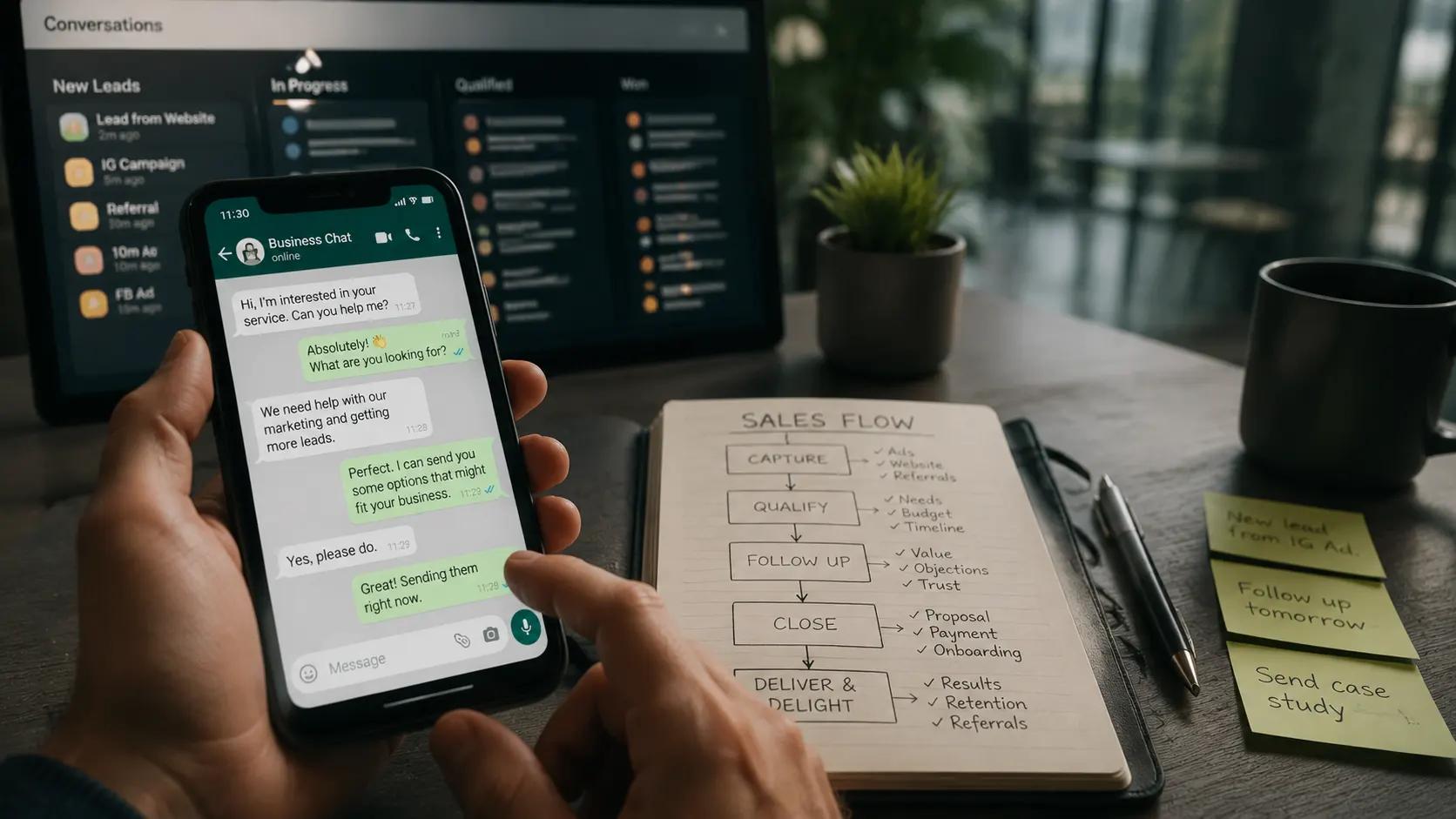
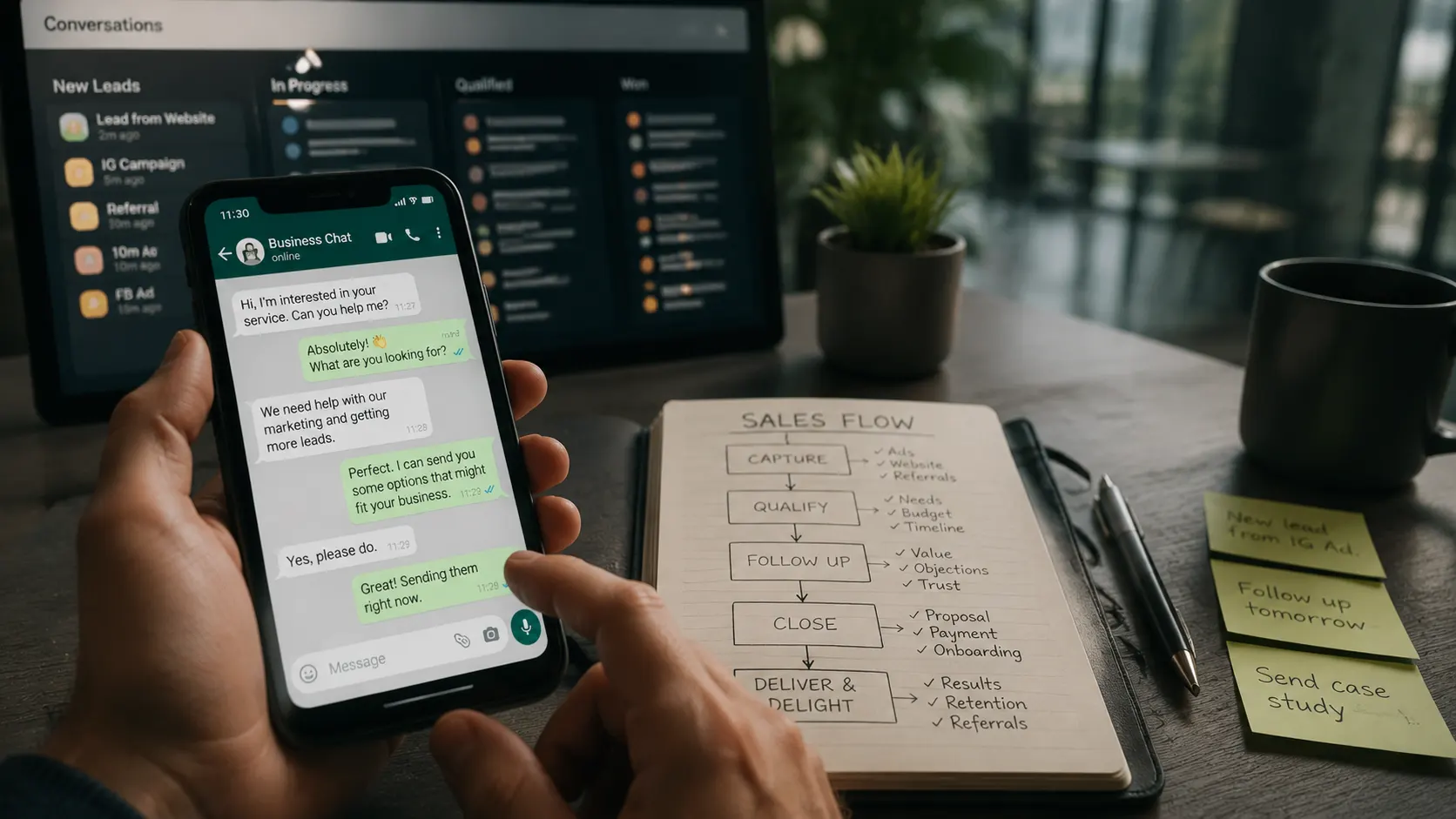

WhatsApp is where your customers actually reply, yet most businesses use it like a personal chat: no structure, no capture, no follow-up, messages scrolling away and leads forgotten. Set up as a real sales channel, it becomes the fastest way to turn interest into booked clients in any bilingual or local market.
This is a working document. Walk through each part and your WhatsApp goes from a side inbox to a connected sales channel. Time to set up: 45 to 60 minutes. Outcome: a WhatsApp setup that captures, responds instantly, follows up, and feeds your CRM, built on the channel your customers answer.
Set Up the Foundation
Before capture and automation, the basics. A professional WhatsApp Business presence signals you are real and makes every later step work better. Most businesses skip this and use a personal number with no structure.
Capture With Trigger Words
The trigger word is the move that turns passive content into active conversations. A customer comments or sends one word, and your automation replies instantly with the offer and captures them, no form required.
Respond Instantly
Speed is the entire advantage of WhatsApp. A message opened in minutes is wasted if the reply takes hours. Automate the first response so every lead is met the moment they reach out.
Stack the Follow-Up
WhatsApp is not a replacement for your email sequence. It is the amplifier. Stack short WhatsApp nudges on the highest-stakes days so your most important messages actually get seen.
Stay Compliant and Connected
WhatsApp rewards respect and punishes spam fast. Keep it opt-in, honor opt-outs instantly, and keep every conversation connected to your CRM so nothing scrolls away and is lost.
Connect It to Your System
A WhatsApp conversation in a standalone app, disconnected from your CRM, is a lead that disappears when the chat scrolls away. Connection is what makes the channel a system instead of a personal inbox.
WhatsApp as a Sales Channel: The Business Playbook
The full breakdown of why WhatsApp beats email and calls and the playbook to capture, qualify, follow up, and close on it.
WhatsApp Setup Checker - Free
Answer a few questions and get a graded report on your WhatsApp setup, with the exact gaps costing you conversations.