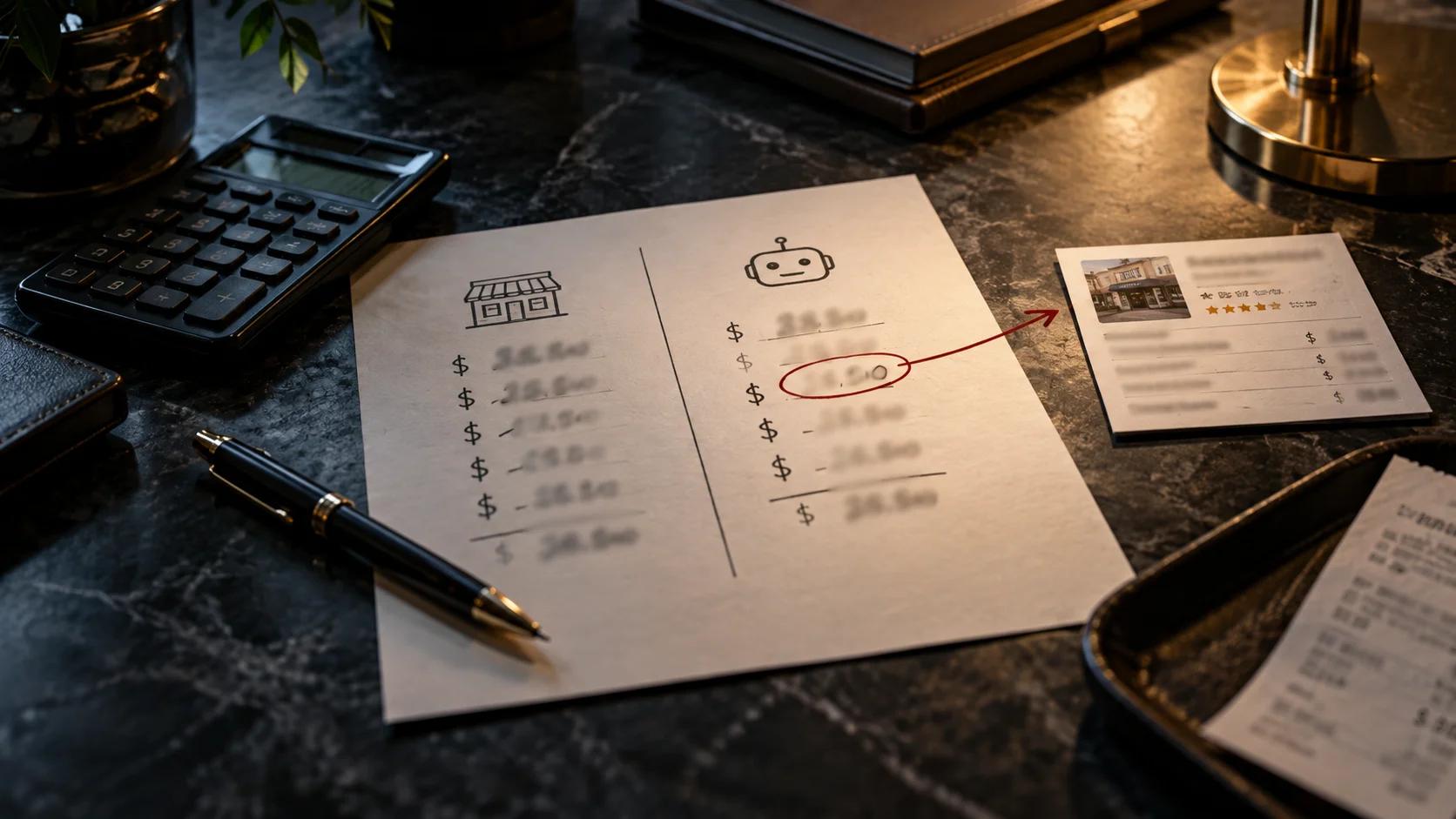
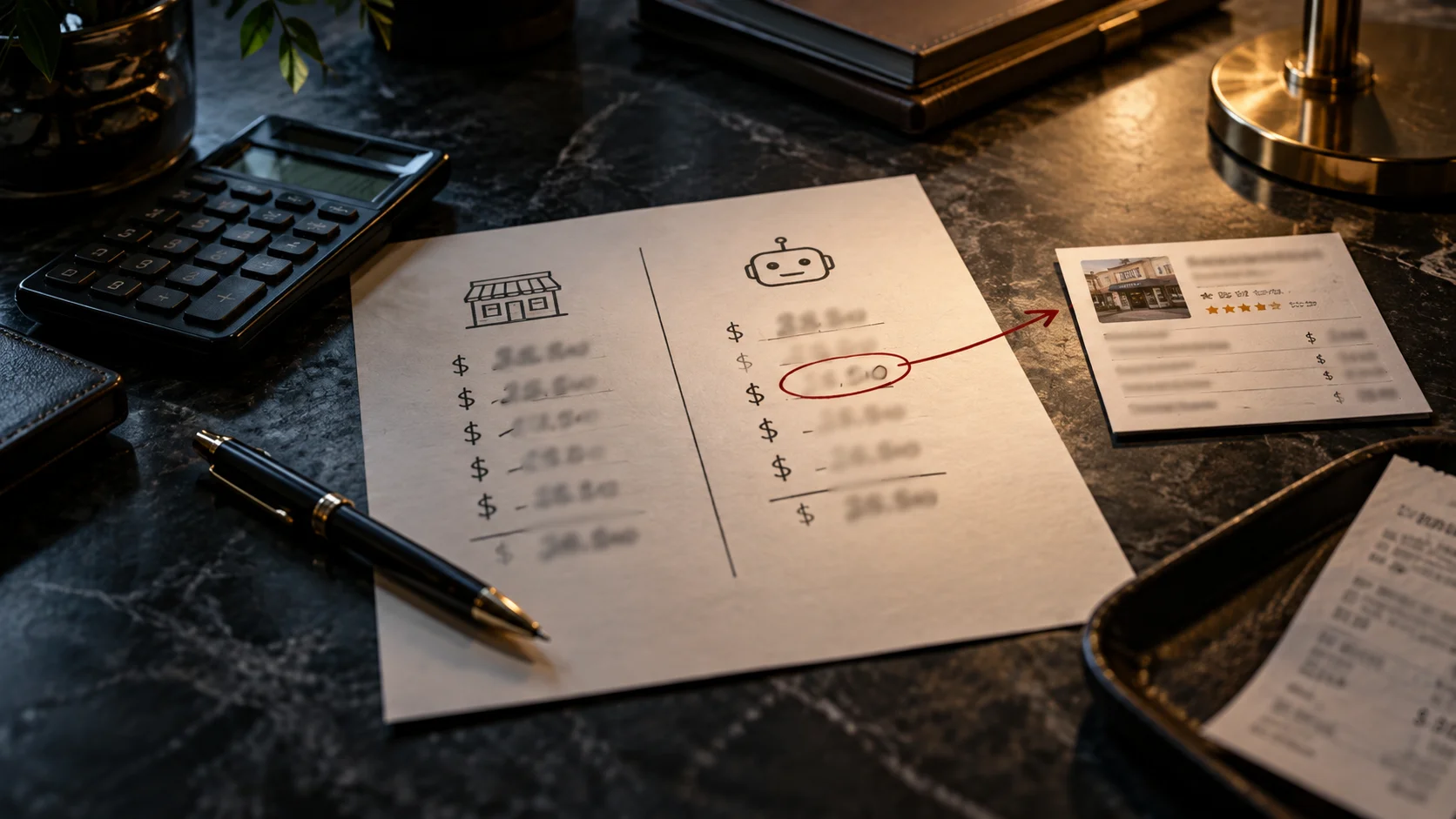


By the end of this you'll have one sheet with four rows on it: two assistants, two languages, the number each one quoted, the link behind it, and the gap between that number and what you actually charge. At the bottom, one source circled. That's the one you fix first. The first round takes about half an hour. After that it's about fifteen minutes a month.
Before you start: you're not here to argue with a chatbot. Typing "that's wrong" into the chat changes nothing you can count on. What you're after is the page behind the answer, because a page is something you or someone else can change.
What the research shows, and where it stops
Three studies sit behind this guide. All three involve Profound, a company that sells software for tracking how brands show up in AI answers, so keep that in mind as you read. None of them looked at service businesses like yours.
Your own pricing page rarely leads the answer. Growth Unhinged and Profound studied 7,675 AI responses about the Cloud 100's pricing. The company's own pricing page showed up in 46% of responses and was the first source cited in only 12%.
Some pricing pages are partly invisible to machines. In the same study, 57 of the 77 public pricing pages could be read in full by bots. Ten hid at least 40% of their content from them.
Staying quiet doesn't keep a number out of the answer. One company in the study had no public pricing. The assistants quoted it anyway, with a range from about $100 to $2,400 per user per month.
Pricing is where assistants slip most. In August, Profound analyzed more than 158,000 claims AI assistants made about brands. Pricing and billing made up 12% of the claims checked but 24% of the wrong ones.
Your own pages can be part of the problem. 54% of the brands had at least one wrong claim that cited their own content.
Each assistant has its own version. Asked the same questions, ChatGPT and Claude overlapped on only 12.5% of their claims, and on 11% of the wrong ones.
The pages assistants cite turn over fast. Profound's September 30 study followed 883,000 pages across seven AI engines for a year. The typical page lost half of its citation share within 11 days of its peak, and 78% fell to half within two weeks.
Your reference number
Before you ask any assistant anything, write down what you'd tell a customer who called today. This is the number every answer gets measured against, so it has to come from you, not from memory of what the website says.
- The service: the one people ask about most. Use the name customers use, not the one on your invoice.
- Your price, the way you'd say it on the phone: a flat number, a range, a "starts at," or "it depends, and here's what it depends on."
- Your city or area, the way a customer would type it.
- Today's date.
If you quote in two languages, write the service name both ways. Your Spanish-speaking customers may call it something different from the dictionary translation of your English name, and the assistant will answer whatever they actually type.
The questions, ready to paste
Run these in ChatGPT and Gemini. If you have time, add Google AI Mode and Perplexity: different engines, different sources.
In English
- How much does [your business] in [your city] charge for [your service]?
- Same chat: Where did you get that? Give me the links.
- In a new chat: What does [your service] usually cost in [your city]?
- Optional, back in the first chat: How recent is that information?
En español
The same four questions, written the way a Spanish speaker would ask them.
- ¿Cuánto cobra [nombre de tu negocio] por [tu servicio] en [tu ciudad]?
- Same chat: ¿De dónde sacaste ese precio? Dame los enlaces exactos de las páginas donde aparece.
- In a new chat: ¿Más o menos cuánto cuesta [tu servicio] en [tu ciudad]?
- Optional: ¿De qué fecha es esa información?
The third question leaves your name out on purpose. It shows you the local figure the assistant reaches for when it doesn't have yours. The fourth is optional, but whatever date it gives you is worth a line in your log.
Getting the sources, and reading them
The second question is the one that matters. A number on its own tells you there's a problem. The link tells you whose problem it is.
Where the links show up. Usually as small numbered markers or chips inside the answer, or a "Sources" list under or beside it. If you see nothing, ask again: Search the web and show me the pages that number comes from.
Open every link. Then press Ctrl+F (Cmd+F on a Mac) and type the number the assistant gave you. You're checking one thing: is that number actually on that page?
Can a machine read the price you already show?
Skip this part if you don't show prices on your website at all. That's a business decision.
If you do show one, check that a machine can read it. In the Growth Unhinged study, pages that looked fine to people hid much of their content from bots, for four usual reasons:
- The price fills in after the page loads. Most AI crawlers run little or none of the code that does that.
- The price is behind a click: a tab, an accordion, a "calculate your price" slider.
- The site tells crawlers to stay out, in a file called robots.txt.
- The price sits in an embedded box pulled from another site (an iframe), which the crawler doesn't follow.
The robots.txt check, two minutes: Type yourbusiness.com/robots.txt into your browser. Look for Disallow: / under User-agent: * (whole site is closed to crawlers) or under the name of a specific AI crawler like GPTBot, OAI-SearchBot, PerplexityBot, or ClaudeBot.
If the price didn't show up, three questions for whoever builds your site:
- Is the price in the HTML the server sends, or is it added afterward by code in the browser?
- Is any part of the price behind a tab, a click or an embedded box?
- Does our robots.txt block any crawler, and was that a decision someone made?
What to do, by type of source
Use the sources you found in Part 4. One row per kind.
| Where the number came from | What to do | What not to do |
|---|---|---|
| An old page or PDF of yours | Update the price. If the page has no job anymore, take it down and redirect it to your current page. Find old ones with: site:yourbusiness.com price and site:yourbusiness.com filetype:pdf | Leave a dead link, or leave two versions of the same price list online |
| Your Google Business Profile | Open it and fix the services and prices that aren't current | Let an agency or former employee keep the only login |
| A directory listing | If it's your listing, edit it. If you don't control it, claim it or use the correction form | Create a second listing next to the old one |
| A review site | The review belongs to the customer. Reply publicly with a date: what the price is now | Ask the customer to take the review down |
| A forum or neighborhood group | One reply, clearly from the business, with the current number or how you quote, and the date | Reply to every comment, or turn the thread into an ad |
| A local article | Email the publication or reporter with one fact to update (message template below) | Ask them to rewrite or remove the piece |
| Another business confused with yours | Make sure your name, address and phone number read the same everywhere | Contact the other business about their prices |
| A competitor's page or local average | Nothing to correct there. Make sure what you do show can be read by a machine (Part 5) | Write to the competitor or change your price to match the average |
| A number with no source | Ask the assistant to search the web and show where the number comes from. If still nothing, log "no source" and check next month | Treat an untraceable number as proof of anything |
| Regulated profession (health care, dentistry, law, accounting) | Before adding or changing any price language, read what your website can't say in Florida | Fix an old price with wording nobody checked against your board's rules |
The message for a local article
Subject: Price update for your [month year] article on [topic]
Hi [name], your article "[headline]" ([link]) lists [your business]'s price for [service] as [old price]. Since [date], it's [current price], and it's on our site here: [link to your current page]. Would you be able to update it? Thanks either way.
[Your name], [your business], [phone]
A reply to a review that mentions an old price
Thanks for coming in, [first name]. A quick note for anyone reading later: since [month year], [service] is [current price, or "quoted based on X"]. Happy to answer questions at [phone].
The gap sheet and monthly log
The gap sheet: two assistants, two languages
Date: ________ Service: ________ Your reference number: ________
| Assistant | Language | Number it gave | Source it cited | Is the number on that page? | Gap from yours |
|---|---|---|---|---|---|
| ChatGPT | English | ||||
| ChatGPT | Spanish | ||||
| Gemini | English | ||||
| Gemini | Spanish |
For the gap column: use spot on (within 5%), close (under 20% off), way off (more than 20%, high or low), nonsense (a service you don't offer or someone else's price), or no number.
Picking the first fix. If the same site shows up behind two or more wrong numbers, that's your first fix. If nothing repeats, start with whatever is yours. If every wrong number traces back to a competitor or an average, your first job is Part 5.
To turn this into a score and a single starting point, run it through How Far Off Is Your Price?. Ten questions, five minutes.
The monthly log
Same day each month, same questions, same assistants, both languages. One line per round.
| Date | What you fixed since last time | Is that source still cited? | Any new source? | Number each assistant gave (EN / ES) |
|---|---|---|---|---|
Three lines in, you'll know whether your fixes are reaching the answers or whether new sources keep taking the old one's place.
What this guide leaves out
It doesn't tell you what to publish. Whether you show a price, a range or nothing is a business decision. This guide only makes sure that whatever you do show can be found and read, and that wrong numbers about you get traced.
It doesn't measure your industry. The studies behind it looked at software companies and big brands. Your sheet is the first real data you'll have for your own business.
It isn't legal advice. If your profession has advertising rules, they come before anything here.
Last thing
If you only do one thing from this guide, make it the second question. Ask the assistant where it got your price, open the link, and find the number on the page. Everything else on this sheet follows from that one link.
An assistant's answer about your price can change next month. What's in your hands is whether the pages it finds about you say the right thing.
Want us to go through your sheet with you and pick the first fix? Book a free call.
Sources
- What AI agents really think about your pricing, Kyle Poyar and Nikolas Laskaris, Growth Unhinged, September 2, 2026 - https://www.growthunhinged.com/p/ai-pricing-visibility-data
- Where do inaccurate AI claims come from?, Lucas Kopinski, Profound, August 17, 2026 - https://www.tryprofound.com/blog/where-do-inaccurate-ai-claims-come-from
- The half-life of an AI citation is 11 days, Davis McCain, Profound, September 30, 2026 - https://www.tryprofound.com/blog/the-half-life-of-an-ai-citation-is-11-days