
TL;DR
- Since October 7, ChatGPT can answer with a tool you use right there: a calculator, a side-by-side comparison, a form, or a checklist you tick off. OpenAI calls it Intelligent UI.
- It comes with GPT-6 on every plan: Plus, Pro, Business and Enterprise since October 7, Free and Go since October 8. The rollout is gradual.
- On October 8, Anthropic moved Claude Docs, Slides and Design to every plan, free included, and said the standalone Claude Design site closes December 14.
- Further down: three requests to copy, and a twenty-minute exercise so whoever books your appointments knows how much time to block without asking you.
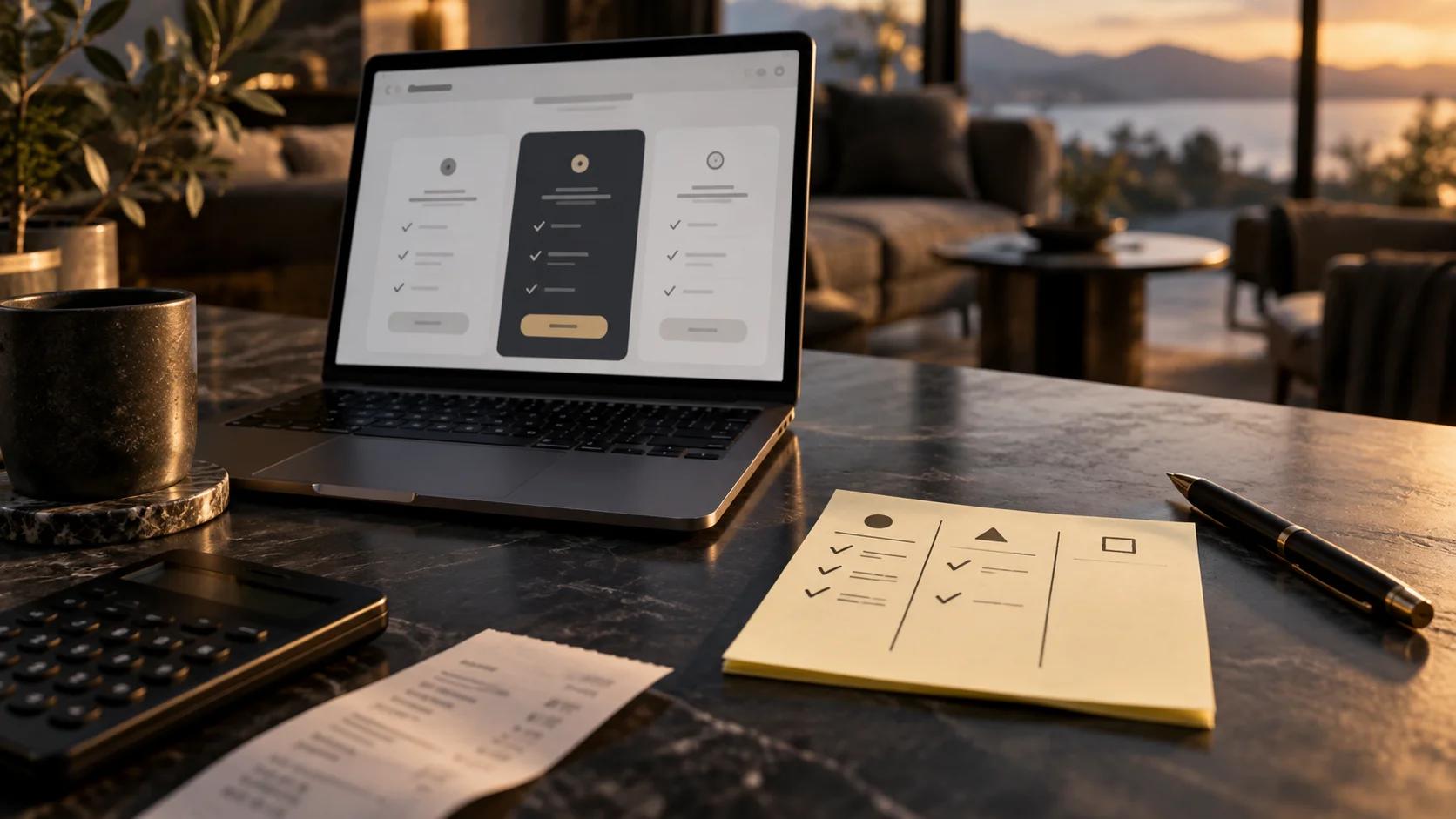
Until last week, if you asked ChatGPT to help you work something out for your business, you got a paragraph of advice. Now it can build you the calculator: boxes you tick and a total that changes in front of you.
It's handier, and it comes with a condition worth knowing before you use it: the calculator runs on the numbers you give it. Give it none, and it runs on whatever ChatGPT knows or finds on its own, which is an average, not your business.
A day after OpenAI's announcement, Anthropic made free something that had been paid-only until then. Two different changes, one direction: what used to be an answer you read is now a thing you use. The rest of the week's news is in this week's roundup.
ChatGPT's Intelligent UI: the answer can now be a tool
What changed. On October 7, OpenAI rolled out GPT-6 to everyone on ChatGPT with something it calls Intelligent UI. According to OpenAI's help article, ChatGPT now builds each answer out of text, visuals and things you can use: graphics, buttons, forms, charts and "interactive experiences" that work inside the conversation. You can also ask it to build a tool for whatever you're working on. OpenAI's announcement gives two examples: a savings calculator and a bill splitter for dinner with friends.
Who has it. Every plan, paid and free. Per OpenAI's announcement, paid plans got it October 7, and Free and Go (the cheapest paid plan) on October 8, gradually, so it may take a while to reach your account. On Enterprise it depends on your admin. The help article lists three exceptions: it's not in the Work tab, not in Voice, and Pro's reasoning option doesn't support it.
Where you click.
- Open ChatGPT in the Chat tab. It doesn't show up in the Work tab.
- There's nothing to switch on. Ask for something you can use, not just read: "build me a calculator for...", "put these side by side", "make me a checklist I can tick off".
- If you want answers shaped a certain way every time, put it in Custom Instructions. OpenAI's examples include "keep answers concise" and "use tables when comparing options".
- If you'd rather keep things simple, on the web go to Personalization -> Layout and Visuals -> Simple. OpenAI says some visual elements may still appear.
We took these steps from OpenAI's help article. We haven't tried them on a client case yet.
Three requests to copy
Drop your business into the brackets, then copy.
1. To pick between two vendors. "Compare [vendor A] and [vendor B] side by side for [what I need: scheduling software, a cleaning company, insurance for the office], using what each one says on its own site. At the end, tell me which page each fact came from."
2. For what you do every single day. "Make me a checklist I can tick off to [open the office in the morning / prep a new patient's first visit / close out the register], with these steps: [your steps]."
3. So your team stops asking you how long each appointment takes. "Build a tool so whoever books my appointments can work out how much time to block for [your services], based on [what you go by: new or returning patient, whether someone comes along, whether anything needs prepping first]. One box per factor, and the total in minutes."
Ask for the second one fresh each time you use it (the FAQ explains why). The third one is the exercise at the end.
Claude: Docs, Slides and Design are now on the free plan
What changed. On October 8, Anthropic took Claude Docs, Claude Slides and Claude Design out of beta and put them on every plan, free included. In September they were a paid-plan beta, and we walked through them back then in our September 22 tools piece. Anthropic says PowerPoint and PDF downloads look like what you built in the editor, and decks go straight to Google Slides as editable files. On Enterprise accounts they switch on by default October 15, unless the admin turns them on sooner.
Where you click.
-
In any Claude conversation, ask for what you need: "write a one-page document on...", "turn these notes into a deck for Monday".
-
Edit it yourself in the document, or ask Claude for the change.
-
Download it as PowerPoint or PDF, or send it to Google Slides.
-
If you used claude.ai/design (for example, to save your visual system, as we explained in our Claude Design piece), there are two separate things to do before December 14, when that site closes:
- Your design systems migrate. In Claude, open the Artifacts page (where Claude keeps what it has made for you) and click Migrate team design systems in the Claude Design lives here now banner at the top. If you closed the banner, it's in the Claude Design menu at the top right. On team plans, confirm with Migrate. Empty design systems, and ones made from a built-in starter theme, don't migrate even if you edited them.
- Your projects need nothing from you yet. They keep working on the standalone site until it closes, and details on moving them into Claude are "coming soon," with no date. If you want your own copy now, download them one at a time through Share, Project HTML and Export, and you get a .zip file. The full path is in the guide linked below.
Chats and comments from the standalone site don't carry over either, and public links to those projects stop working that day. The full steps are in Anthropic's migration guide.
We haven't run this on Claude's free plan ourselves. Steps 1 to 3 come from Anthropic's announcement, and step 4 from its migration guide.
What you do with it this week. The page you've been putting off for months: "what to expect at your first visit," one page, in English and Spanish. Ask Claude for it using your real steps, review it yourself, and download the PDF to text new clients before their first appointment.
Two more worth a look
We went through both sites on October 13, and we don't make a cent if you sign up through these links. We looked at more options, and only these two work without being technical or paying.
- ✉️ SaneBox · moves the email that doesn't matter out of your way, reminds you when someone hasn't replied, and lets you drop a sender with one click. Works with Gmail, Outlook and most email services. Free trial. To sort your email it needs access to your account. If patient information lands in that inbox, write to them before you connect it and ask how they handle health-data privacy rules: their home page doesn't say, at least as of October 13.
- 🎬 Pactto · a room for reviewing designs, videos or decks with your designer or agency, where notes stay saved and the conversation is translated live between English and Spanish. Free plan with two rooms; on that plan you invite the other person from your account.
The fine print
A good-looking tool isn't a correct tool. The screen looks just as polished when it's right as when it's wrong.
December 14 is a real date. Our advice, not Anthropic's: if there's still no way to move your projects into Claude by early December, download them.
What they do badly
ChatGPT's tool answers decide on their own when to build a tool and when to answer in text, and OpenAI admits the model's design judgment isn't where it wants it yet. The trickier part is what you can't see: the tool is built on general information, not on your business, unless you give it yours.
From Claude's new releases, the flashiest pieces aren't for a small office. Dashboards, which builds a chart page that refreshes itself, needs a company data platform or a CRM (the software where you keep your customer list) like Salesforce, and it's paid-only. Motion, which turns a report into an animated explainer, is Team and Enterprise only for now. On the free plan, Docs, Slides and Design come with that plan's usual usage limits.
Who should skip it
If you barely use ChatGPT and nothing in your business gets calculated or repeated every day, this can wait. And if you never used the standalone Claude Design site, December 14 doesn't affect you.
Where it fits in your business
Day to day, both releases save small chunks of work: the comparison you used to build in a spreadsheet, the checklist your team runs every morning, the new-client page you never got around to.
The bigger payoff, though, is the math you do in your head every day: how long each service really takes, what changes with a new client, what has to be ready beforehand. Getting that into something your team could use used to take a spreadsheet and an afternoon. Now it takes one sentence, with your numbers instead of an average.
The one thing to do today
Twenty minutes, ChatGPT open, and last week's schedule in front of you.
- Copy request 3 and put your services in the brackets, plus what you go by when you decide how much time to block.
- Test the tool it builds on three appointments that already happened, checking only the boxes: no names, no patient details. Compare the total with how long they actually took (the check-in and check-out times on your schedule or, if you don't log those, what the person who saw them remembers).
- If it misses one, tell ChatGPT what it left out and have it fix the tool. Once it gets all three right, ask it for the final table (each service, each box and its minutes) and save it wherever your team already checks the schedule.
Keep reading
- What you can't check from this week, and what you can - this week's roundup
- Meta put a price on the AI you were already using - where we covered Claude Docs and Slides when they launched
- Claude Design has a setting most people never turn on - how to save your visual system in Claude Design
- SEO vs. GEO vs. AEO: which one does your business need in 2026? - the full map
- Migrate from standalone Claude Design to Claude, Anthropic Help Center - the migration steps
- Intelligent UI in ChatGPT, OpenAI Help Center - the source
Frequently asked questions
Are tool answers on ChatGPT's free plan? Yes. According to OpenAI, they reached Free and Go on October 8. The rollout is gradual, so you may not see it yet.
Do I have to turn anything on? No. You use it in the Chat tab by asking for it. If you'd rather have simpler answers, on the web you can choose Simple under Personalization, though OpenAI says some elements may still show up.
Does ChatGPT save what I check off in a list? It depends. According to OpenAI, some checklists remember what you checked if you refresh that same conversation; in a different one, they don't. We haven't tested it overnight.
Are Claude Docs and Slides free now? Yes. Since October 8 they're on every Claude plan, free included, with each plan's usage limits. Dashboards and Motion are still paid.
I used claude.ai/design. What do I lose on December 14? According to Anthropic, the standalone site closes December 14. Design systems can be migrated from the Artifacts page in Claude. Projects need nothing from you yet: they keep working until the site closes, and Anthropic says details on moving them into Claude are coming soon. If you want a copy sooner, download them one at a time (Share, Project HTML, Export). Chats, comments and public project links don't carry over, so save what you need from them before the 14th.
Wrapping up
The tool ChatGPT builds is right only when your numbers are. Give it yours, and check it against appointments that already happened before your team relies on it.
Want those minutes built into your booking system, so nobody has to open a table? We'll show you how on a free call: Book a free call
If you try request 3 this week, tell us in the comments which appointment the first version got wrong. It helps us with the next one.
Sources
- GPT-6 and Intelligent UI for everyone, OpenAI, October 7, 2026 - https://openai.com/index/gpt-6-for-everyone/
- Intelligent UI in ChatGPT, OpenAI Help Center, accessed October 13, 2026 - https://help.openai.com/en/articles/20001598-intelligent-ui-in-chatgpt
- Build live dashboards and animate explainers with Claude, Anthropic, October 8, 2026 - https://claude.com/resources/articles/dashboards-and-motion
- Claude Cowork and chat are now one Claude, Anthropic, September 16, 2026 - https://claude.com/resources/articles/cowork-is-now-claude
- Migrate from standalone Claude Design to Claude, Anthropic, accessed October 13, 2026 - https://support.claude.com/en/articles/17440474-migrate-from-standalone-claude-design-to-claude
- SaneBox, accessed October 13, 2026 - https://www.sanebox.com
- Pactto, accessed October 13, 2026 - https://www.pactto.com