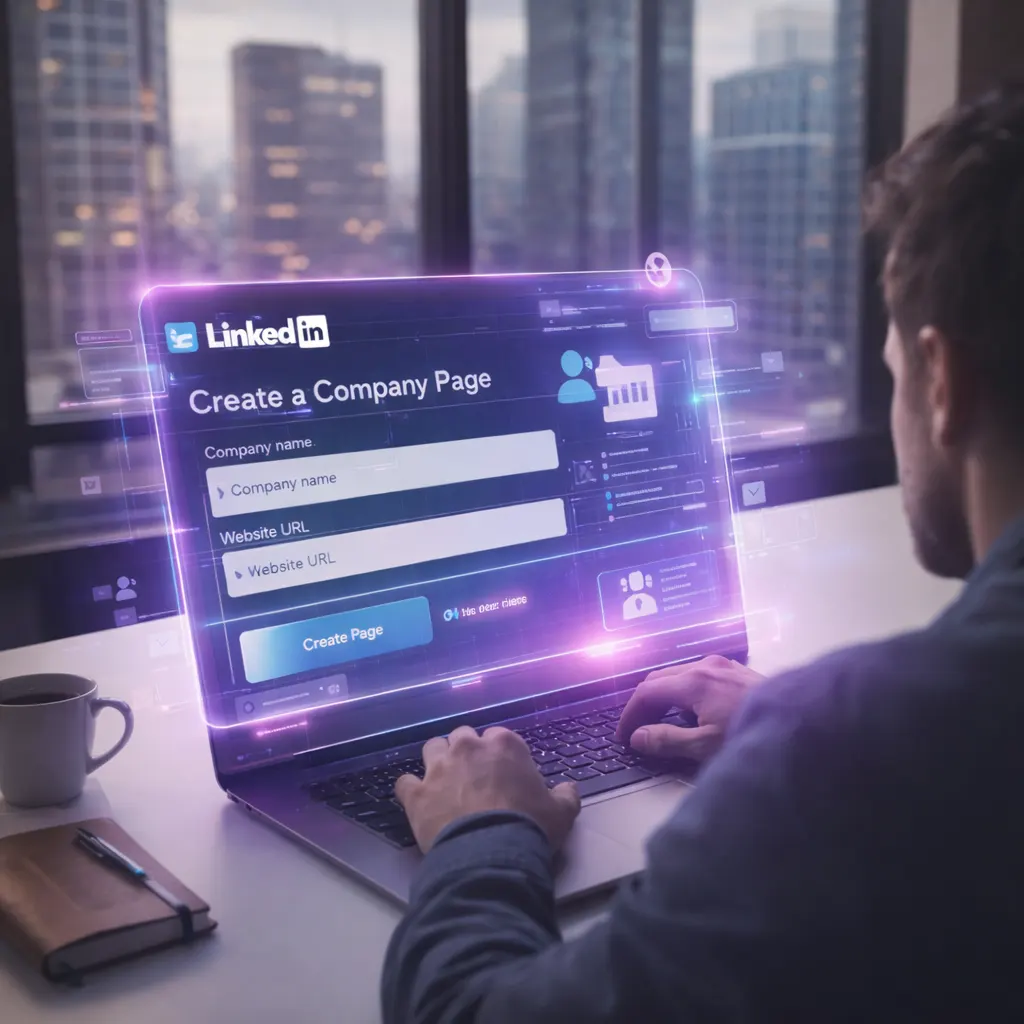
If your LinkedIn company page has your logo, a two-sentence description, and the last post was from November, you don’t have a LinkedIn presence. You have a placeholder. The fix: complete profile, keyword-rich description, consistent posting, and a CRM connection that turns every interaction into a trackable lead.
The Most Ignored Free Marketing Channel
When was the last time you posted on your company’s LinkedIn page? Not your personal profile. Your company page. If you had to think about it, you’re not alone. Most small business owners treat their LinkedIn company page like that gym membership they signed up for in January. Full of good intentions. Zero follow-through.
40% of LinkedIn users interact with a company page every single week. Your potential clients are already looking. When they find a page with a generic description and a post from six months ago, they don’t think you’re busy. They think you’re not serious.
TTodd’s Take
“Business owners spend $2,000/month on Google Ads but won’t spend 30 minutes setting up their LinkedIn page. Pages with complete info get 30% more weekly views. That’s free traffic they’re leaving on the table because they think LinkedIn is ‘just for job seekers.’ It’s not 2015 anymore.”
Why LinkedIn Matters More Than You Think
Even if you’re a local service business, a med spa, or a coaching practice, your clients are on LinkedIn. The decision-makers are on LinkedIn. And AI engines like ChatGPT and Gemini pull company info from LinkedIn. Your page is part of your digital growth ecosystem whether you manage it or not.
Personal profile = your face. Company page = your storefront. You need both. Your profile drives reach. Your page converts curiosity into trust. When someone clicks your company name and finds an empty page, it undermines everything your personal profile worked to build.
The 5 Mistakes Killing Your LinkedIn Company Page
Mistake #1
The “Set It and Forget It” Description
“We are a full-service marketing agency dedicated to helping businesses grow.” Congratulations. You just described 14 million other companies. You have 2,000 characters. LinkedIn SEO indexes every word. Google previews up to 156 characters. This is prime real estate. Use it.
Mistake #2
No Custom CTA Button
LinkedIn gives you a free CTA button on your company page. Most businesses skip it entirely. That button is a direct line to your lead generation funnel. Set it up — and point it somewhere that actually captures information.
Mistake #3
Posting Once a Quarter (If That)
Companies that post weekly see 2x higher engagement and grow followers 7x faster than those that post monthly. Once a quarter? You might as well not exist. You don’t need to post five times a day. But once a week, minimum.
Mistake #4
All Corporate, Zero Human
“We’re excited to announce our partnership with…” Nobody cares. Company pages that feel personal and relatable outperform those using corporate language. Be a human running a business, not a press release generator.
Mistake #5
No Connection to Your CRM
Every interaction on LinkedIn can become a lead — but only if it connects to your CRM with automated follow-up sequences. Without that, you’re wasting the one thing LinkedIn gave you for free: attention.
How to Set Up Your LinkedIn Company Page (The Right Way)
Complete Every Section
Description, location, industry, company size, URL, specialties. Include keywords your ideal client searches for. Pages with complete info get 30% more weekly views. Every blank field is a missed opportunity.
Upload Professional Visual Assets
Logo + cover photo. Companies with logo images get 6x more page traffic. Cover photo is your billboard. Recommended: 1128×191px. Update quarterly.
Set Your CTA Button Strategically
Don’t default to “Visit Website.” Point your CTA to a booking page or landing page that captures info and feeds your CRM. If it doesn’t capture data, the click goes nowhere useful.
Build a Content Schedule (Simple Wins)
Tue: industry tip. Wed: client result or lesson learned. Thu: behind-the-scenes. Three posts a week beats 90% of company pages. Posts with images see 98% higher comment rates. Native video gets 5× more engagement than text alone.
Activate Your People
Employees have 10× more first-degree connections than your page has followers. First-hour engagement signals the algorithm to push the post further. Ask your team to engage early — it costs nothing.
Connect LinkedIn to Your CRM
Every CTA click and form fill should create a CRM contact tagged by source with automated follow-up firing immediately. If your website and CRM live on the same platform, this happens automatically. If they don’t, you’re back to n8n, Make, or Zapier trying to hold the bridge together.
Todd + Naty: The Funeral Home Story
N“One of our clients is a funeral home. When Todd first suggested LinkedIn for them, even I raised an eyebrow. A funeral home? On LinkedIn?”
T“Funeral homes serve families with employers, HR departments, benefits coordinators. Pre-planning is a B2B conversation as much as B2C. We set up their page, posted weekly. Three months later: their first corporate pre-planning partnership. From LinkedIn. He’d been in business 22 years and never once considered it as a lead source.”
N“It’s not about the platform. It’s about showing up where your clients already are. And making sure that attention goes somewhere useful, not just into the void.”
What LinkedIn's Algorithm Actually Rewards in 2026
LinkedIn’s algorithm is now relevance-driven. A massive AI model reads your content and decides if it’s genuinely relevant to the people seeing it. Generic corporate posts get buried. Specific, useful, authentic content gets amplified.
Good news for small businesses: pages under 1,000 followers see 4-8% engagement rates vs. 1-3% for enterprise pages with 50,000+ followers. Smaller = more personal = the algorithm rewards that.
“Your LinkedIn company page is a discovery channel. But discovery without capture is brand awareness with no ROI. The flow: someone finds your page → clicks CTA → lands on a page inside your CRM platform → fills a form → enters pipeline tagged as LinkedIn lead → auto follow-up fires in 60 seconds.”
“I showed a health coach her LinkedIn analytics after 90 days of consistent posting connected to Hub365 CRM. 23 leads from LinkedIn. 14 booked discovery calls. 6 became paying clients at $2,500 each. $15,000 from a free platform. She’d been on LinkedIn 4 years. Never got a single client from it before.”
“The difference wasn’t LinkedIn. The difference was the system behind it.”
Todd, Co-Founder, Hub365.AI
5-Minute LinkedIn Page Audit
Tap each “yes.” Below 4/6 = your page needs work.
After your self-audit, check out the 5 essential tools every small business needs to see how LinkedIn fits into the bigger picture.
Scored below 4?
We’ll audit your LinkedIn page and your full digital setup for free. No pitch. No commitment. Just a clear picture of where leads are slipping through the cracks.
Comment “LINKEDIN” on any of our social media posts and our automation will instantly send you a LinkedIn Optimization Checklist. That instant response? That’s Hub365 in action.
Frequently Asked Questions
Yes. Your personal profile drives reach and builds your reputation. Your company page builds business credibility. When potential clients click your company name from your personal profile and find a complete, active page, it reinforces trust. When they find an empty page, it undermines everything your personal profile worked to build. You need both working together.
At minimum, once a week. Companies that post weekly see 2x higher engagement and grow followers 7x faster than monthly posters. The sweet spot for most small businesses is 2-3 posts per week. More important than frequency is consistency. Pick a schedule you can maintain and stick to it.
Multi-image posts and document carousels lead with the highest engagement rates. Native video with subtitles performs well, especially when authentic rather than over-produced. Short, scannable text posts with strong opening lines also work. The algorithm in 2026 rewards relevance and authenticity over polish. Behind-the-scenes content, client stories, and industry insights outperform corporate announcements.
Absolutely. LinkedIn generates 80% of B2B social leads. The key is connecting your LinkedIn CTA button to a landing page that captures information and feeds it directly into your CRM with automated follow-up. Without that connection, LinkedIn is just brand awareness with no measurable return.
Start with the basics: complete your page (30% more weekly views), add your logo (6x more traffic), and post consistently. Then activate your team — employees have 10x more connections than your page has followers. When they engage with and share company content, your reach expands exponentially. Once your page passes 150 followers, growth becomes significantly easier.
Treating the company page as a one-time setup task instead of an ongoing channel. The second biggest mistake is not connecting LinkedIn activity to their CRM. Every interaction on LinkedIn is a potential lead, but only if there’s a system behind it capturing that attention and turning it into a conversation.
Ready to Turn LinkedIn Into a Lead Machine?
Comment “LINKEDIN” on any of our social posts and get a checklist to optimize your company page instantly.
That instant response? That’s Hub365 in action.
TRTodd RossCo-Founder, Hub365.AI